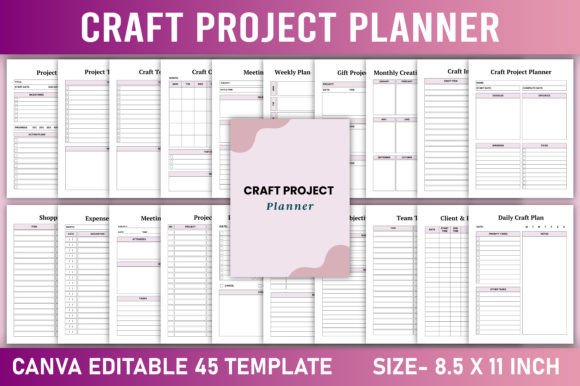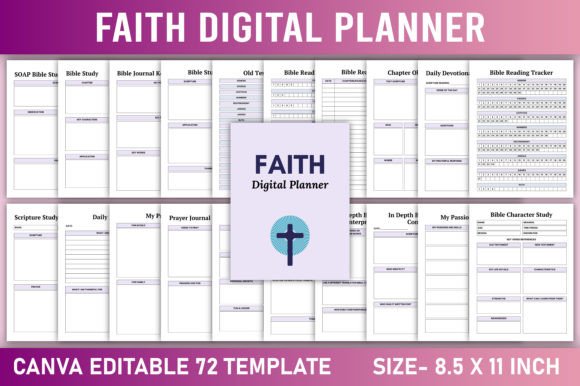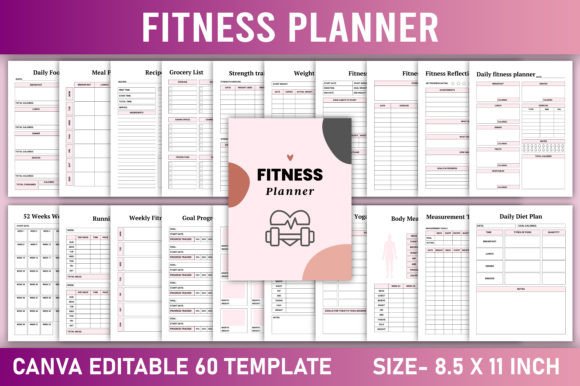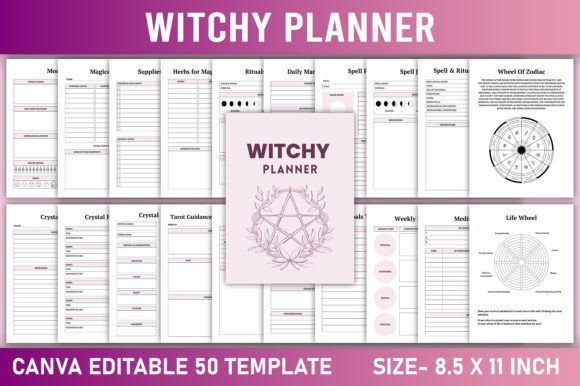
Editable Project Planner Canva Template: Your All-in-One Planning Tool, Ready When You Are
Whether you’re launching a freelance design business, managing client campaigns across time zones, coordinating a school fundraiser, or simply planning your first home renovation—clarity, control, and customization matter. The Editable Project Planner Canva Template meets that need not as a static checklist, but as a living, adaptable system built for how people actually work today: across devices, roles, and rhythms.
Why This Isn’t Just Another Printable Planner
Most planners assume one workflow—linear, solo, and rigid. Real projects don’t follow that script. They pivot. Team members join late. Budgets shift. Deadlines compress. A meeting sparks a new idea that reshapes the entire timeline. That’s where this template stands apart: it’s designed with flexibility baked in—not as an afterthought, but as its core architecture.
The editable Canva link gives you full creative control: swap fonts to match your brand voice, adjust color palettes to suit seasonal moods or corporate guidelines, resize sections for deeper focus on budget tracking or team coordination, and even insert custom icons or photos to make each page feel unmistakably yours. No design degree required—just curiosity and intent.
What’s Inside—and Why Each Page Serves a Real Need
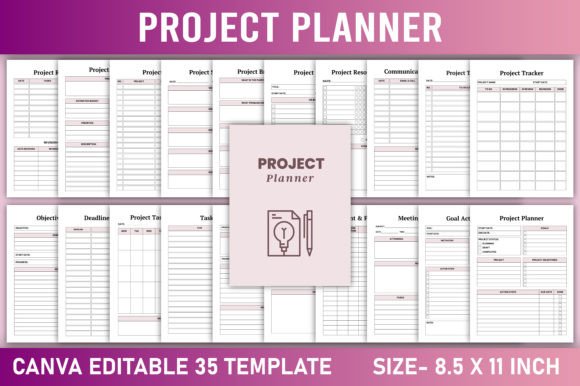
This isn’t filler. Every one of the 35 pages responds to documented pain points in modern project management:
- Project Timeline + Project Schedule + Project Task Calendar: Visual alignment matters—especially when juggling multiple deadlines. These three complementary views let you zoom out (timeline), map weekly flow (schedule), and anchor tasks to specific dates (calendar).
- Communication Tracker + Client Project Log + Meeting Notes (2 unique versions): Miscommunication remains a top cause of scope creep and missed expectations. Tracking who said what—and when—builds accountability and reduces repeat questions.
- Project Resource Planner + Team Task List + Team Project Plan: Remote and hybrid teams need shared context without constant status updates. These pages clarify ownership, capacity, and interdependencies before friction arises.
- Vision Board + Goal Action Plan + Work Journal: Projects succeed not just through execution—but through sustained intention. These support reflection, motivation, and course correction grounded in personal or organizational values.
- Notes (5 pages) + Belongs To + Thank You Page: Small touches with big impact. The “Belongs To” page personalizes ownership; five dedicated note pages prevent scraps of insight from vanishing into margins or apps; the “Thank You” page quietly reinforces gratitude as part of professional practice.
No page is decorative. Each supports decision-making, memory retention, or relationship-building—skills increasingly valued as automation handles more routine tasks.
Fitting Into How We Work Now
Work isn’t confined to offices—or even to eight-hour days. Creators film reels between school drop-offs. Educators plan lessons during lunch breaks. Entrepreneurs iterate on product ideas while traveling. This planner reflects that reality: lightweight enough for a coffee shop table, robust enough for quarterly strategy sessions.
It also aligns with rising demand for tools that bridge digital and physical workflows. You can edit live in Canva on your laptop, then print a clean 8.5 × 11-inch PDF optimized for KDP interiors—or export JPG/PNG files for digital dashboards or client presentations. There’s no vendor lock-in, no subscription fee, no learning curve beyond basic Canva navigation.
That balance—digital agility paired with tactile clarity—is why printable-planner usage has grown steadily among professionals who’ve moved past purely app-based systems. Screens fatigue the eyes; paper invites focus. This template honors both.
Who Benefits—and How They Use It Differently
A freelance social media manager might use the Client Project Log to record campaign goals, platform-specific metrics, and revision rounds—then reuse the same template for their next client by duplicating the Canva file and adjusting colors and headers.
An educator leading a STEM fair could repurpose the Project Brainstorm and Vision Board pages for student teams, while using the Team Project Plan to assign roles like research lead, presentation designer, and materials coordinator.
A small retail owner preparing for holiday inventory might rely heavily on the Project Budget, Deadlines Tracker, and Resource Planner—then add store-branded imagery and fonts to reinforce internal alignment and external consistency.
Even hobbyists building furniture or launching a podcast find value—not because they need enterprise software, but because clarity multiplies effort. Knowing *what* to do is only half the battle. Knowing *why*, *who’s involved*, and *how it connects to bigger goals* is what turns activity into progress.
Designed for Quality—Not Just Quantity
The clean, minimal aesthetic isn’t about style alone. It’s functional: ample white space reduces cognitive load; consistent typography improves readability across long sessions; intentional hierarchy guides attention to priorities—not distractions. Every element serves legibility, usability, or emotional resonance.
The included PDF is print-ready for KDP interiors, meaning crisp lines, CMYK-safe colors, and bleed-free margins—no last-minute formatting surprises. And because it’s sized at standard letter dimensions (8.5 × 11 inches), it fits most binders, desk pads, and home printers without scaling compromises.
Customization Without Compromise
You don’t have to choose between “off-the-shelf convenience” and “tailored usefulness.” With the editable Canva link, you decide:
- Which pages to keep, reorder, or duplicate—based on your current project phase;
- Whether your Project Reminder uses bold checkmarks or soft pastel dots;
- If your Objectives Plan includes SMART criteria prompts—or leaves room for free-form writing;
- How much visual weight the Project Index carries—minimalist tabs or illustrated section dividers.
This level of agency matters. Research shows people stick with planning tools longer when they feel authorship over them—not just consumption. It’s not about perfection. It’s about resonance.
A Tool That Grows With You
Trends come and go—AI assistants, new collaboration platforms, shifting productivity philosophies. What endures is the human need to organize thought, coordinate action, and reflect on progress. This Editable Project Planner Canva Template doesn’t chase trends. It supports timeless practices—planning, reviewing, adapting—with contemporary ease.
It’s equally at home beside a laptop in a co-working space, tucked into a teacher’s lesson plan binder, or pinned to a workshop wall beside sketches and material swatches. Its versatility isn’t accidental—it’s the result of observing how diverse users navigate complexity without sacrificing warmth or intention.
So whether you’re preparing your first KDP interior, streamlining your freelance pipeline, or simply reclaiming calm amid overlapping responsibilities—you’re not downloading a document. You’re unlocking a framework built to evolve with your work, your voice, and your vision.